Generator runtime
Track running state and operating hours to support usage review and service planning.
GoSense PowerGuard
Bring runtime, fuel-level movement, consumption context, refilling events, supported electrical signals, maintenance history, and tamper indicators into one review path.
Hardware, signal compatibility, accuracy, connectivity, and return assumptions are proposal-dependent and subject to technical survey.
Monitoring scope
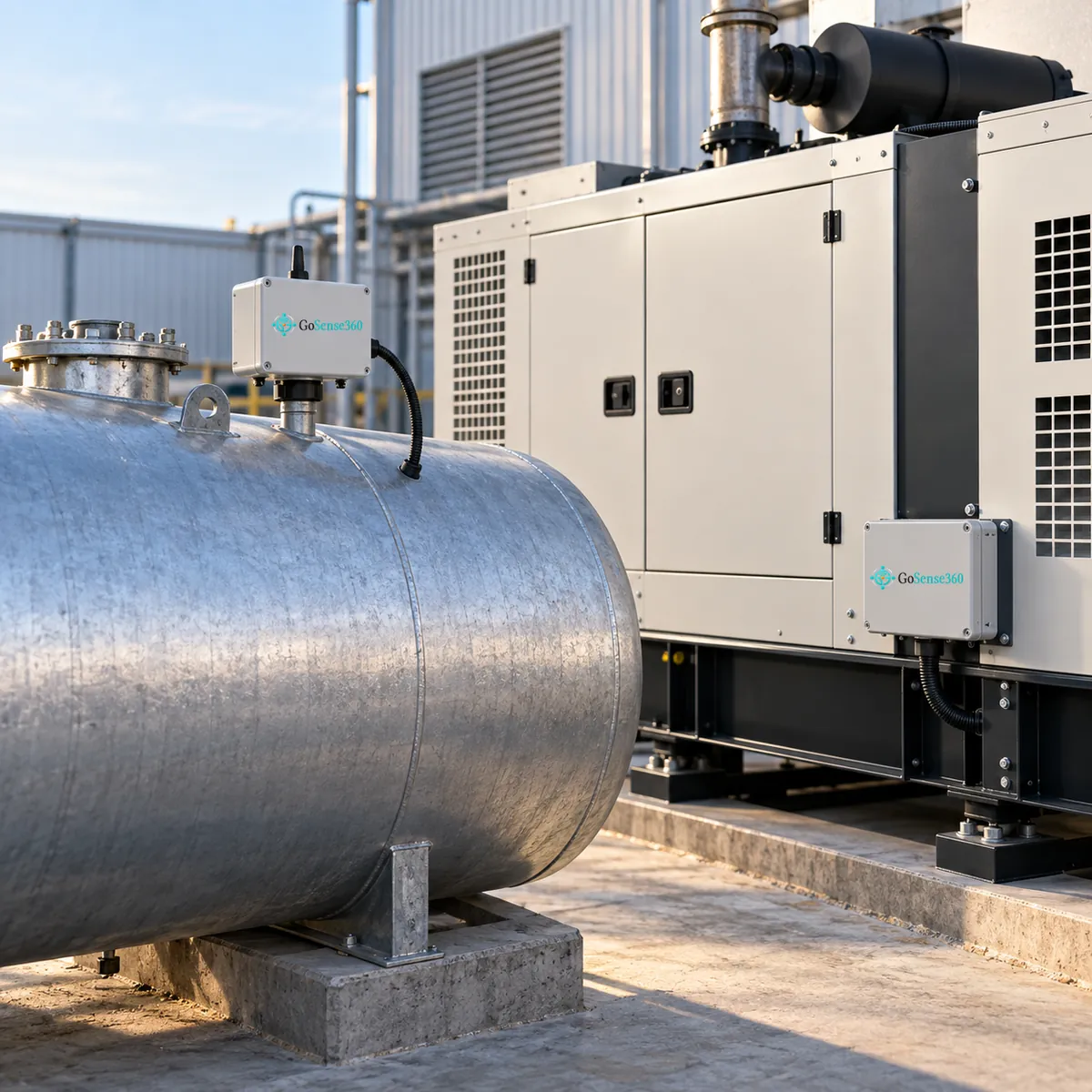
The exact bill of materials and supported measurements follow a survey of the generator, tank, electrical panel, operating pattern, and installation constraints.
Track running state and operating hours to support usage review and service planning.
Review level movement, consumption context, refills, and sudden changes against the approved sensing method and tank geometry.
Include current or load signals only where the selected hardware, panel arrangement, and electrical safety design support them.
Record approved enclosure, sensor, or wiring indicators as investigation evidence; final coverage depends on the installation.
Relate operating hours, observed events, inspections, and service records to the asset and site workflow.
Responsible claim
PowerGuard helps teams detect unusual fuel-level changes and investigate potential loss or tampering. It does not claim to eliminate theft, prevent every failure, or prove the cause of a change on its own.
Example workflow
Workflow automation is configured only after the rule, duration, recipients, review authority, and failure handling are agreed.
Capture the approved fuel or runtime signal.
Check identity, time, and input quality.
Relate change to operating and refill context.
Highlight a configured unusual pattern.
Review site evidence and maintenance records.
Document the reviewed outcome.
FAQ
No. Monitoring highlights unusual level changes and when they happened. Establishing the cause needs supporting site evidence and human review.
It depends on the sensing method, tank geometry and installation. Accuracy is stated in the proposal for the approved design, after the tank and site are surveyed.
Generator count and ratings, tank shape and size, fuel type, access to the electrical panel, site connectivity, and who reviews an unusual change.
Yes. Runtime hours and events can be related to service history, either in GoSense360 business modules or through a scoped integration with your system.
PowerGuard discovery